Safe for All Screens
The Safest Way to Clean
Laptops & Monitors
Protect your expensive MacBook, Dell, or Gaming Monitor. Our ultra-fine microfiber removes keyboard marks, dust, and fingerprints without stripping anti-glare coatings.
Shop Screen Cloths100% Scratch-Free Guarantee
Why Paper Towels Ruin Screens
Common Mistakes
- ❌ Paper Towels: Wood pulp fibers cause micro-scratches on coatings.
- ❌ Old Rags: Trap grit that drags across your 4K display.
- ❌ Chemical Sprays: Can strip away the oleophobic (oil-resistant) layer.
The Microshine Way
- ✔ Ultra-Fine Fibers: 1/100th hair width to trap dust instantly.
- ✔ Edgeless Design: No hard seams to scratch delicate bezels.
- ✔ Chemical Free: Cleans perfectly with just a little water.
How to Clean Your Laptop Screen
01
Power Off
Turn off your device. A black screen allows you to see dust and smudges clearly.
02
Wipe Dry
Gently wipe the screen with your dry Microshine cloth in a circular motion to remove dust.
03
Dampen if Needed
For oily marks, lightly dampen a corner of the cloth with water. Never spray the screen directly.
Compatible With All Premium Displays
💻
MacBooks
🖥️
Gaming Monitors
⌨️
Touch Laptops
📺
OLED / 4K TVs
★★★★★ Customer Favorites
“I was scared to clean my new MacBook Air M2 screen, but this cloth is super soft. No streaks left behind!”
– Anjali P.
“Works perfectly on my Dell UltraSharp monitor. It removes the dust that sticks to the corners.”
– Rohan D.
Frequently Asked Questions
Safe for Anti-Glare? ▼
Yes, specifically designed for coated screens.
Machine Washable? ▼
Yes, wash in warm water without fabric softener.
Removes Keyboard Marks? ▼
Yes, it lifts the oils from keycaps off the screen effortlessly.
Stop Scratching Your Screens
Get Microshine Now
Scroll for Products
↓
Laptop Screen Cleaning Cloths
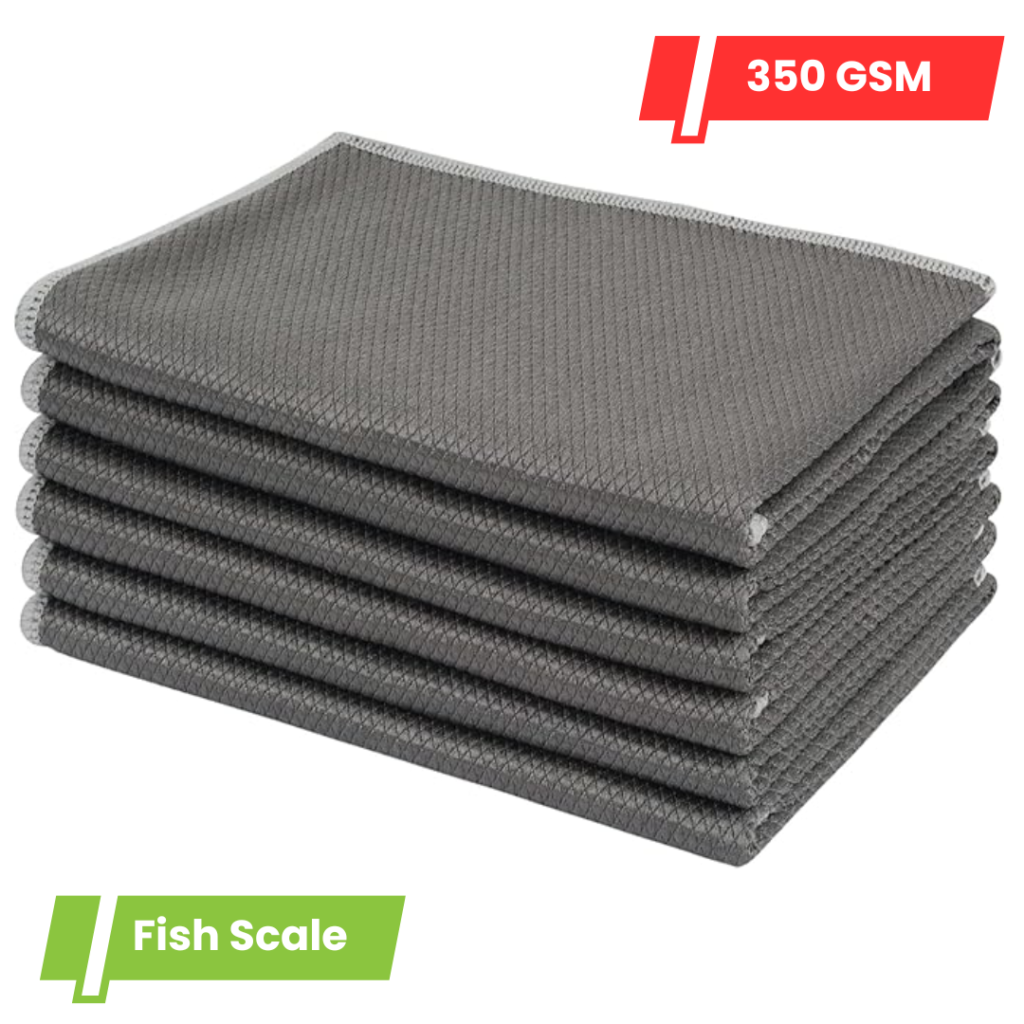
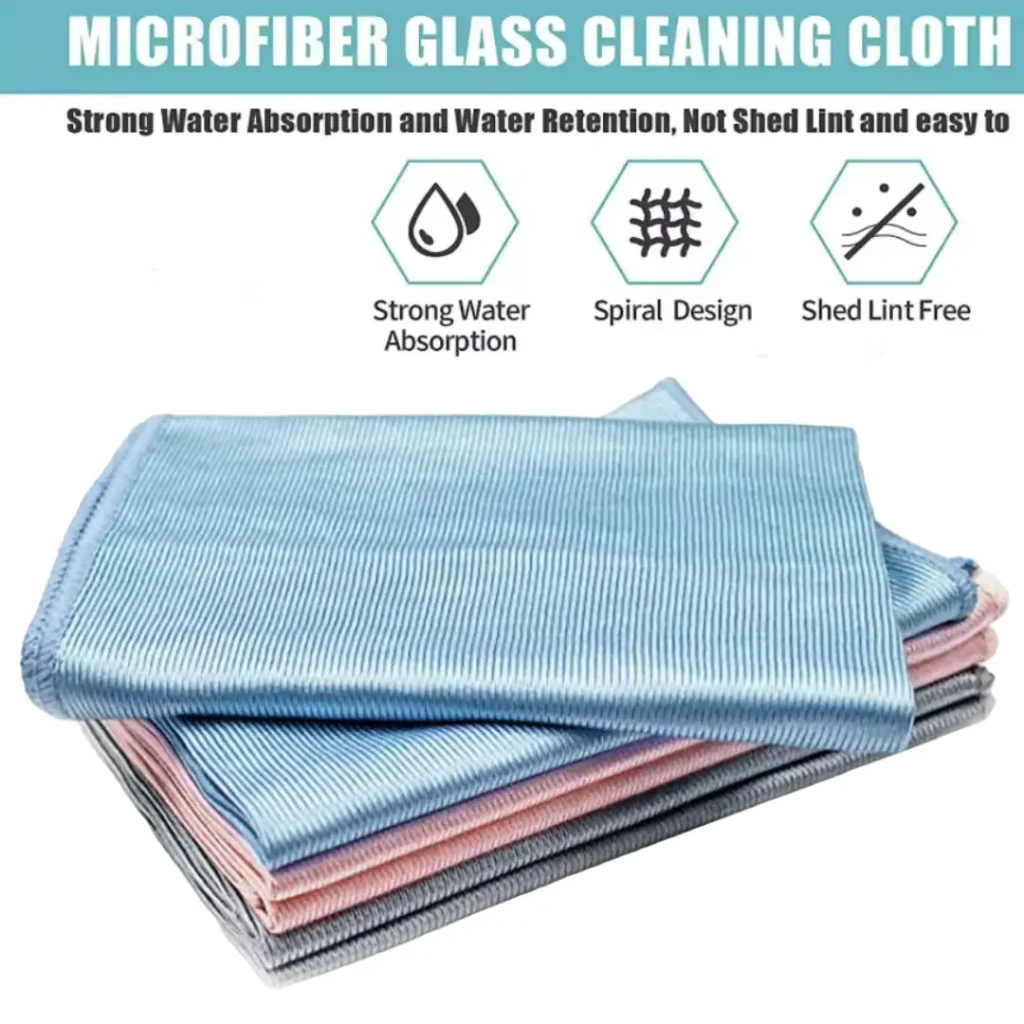
Fish Scale Microfiber Glass Cleaning Cloth – Lint-Free, Streak-Free Cloth for Windows, Mirrors, Car Glass, and Household Surfaces, Reusable and Eco-Friendly
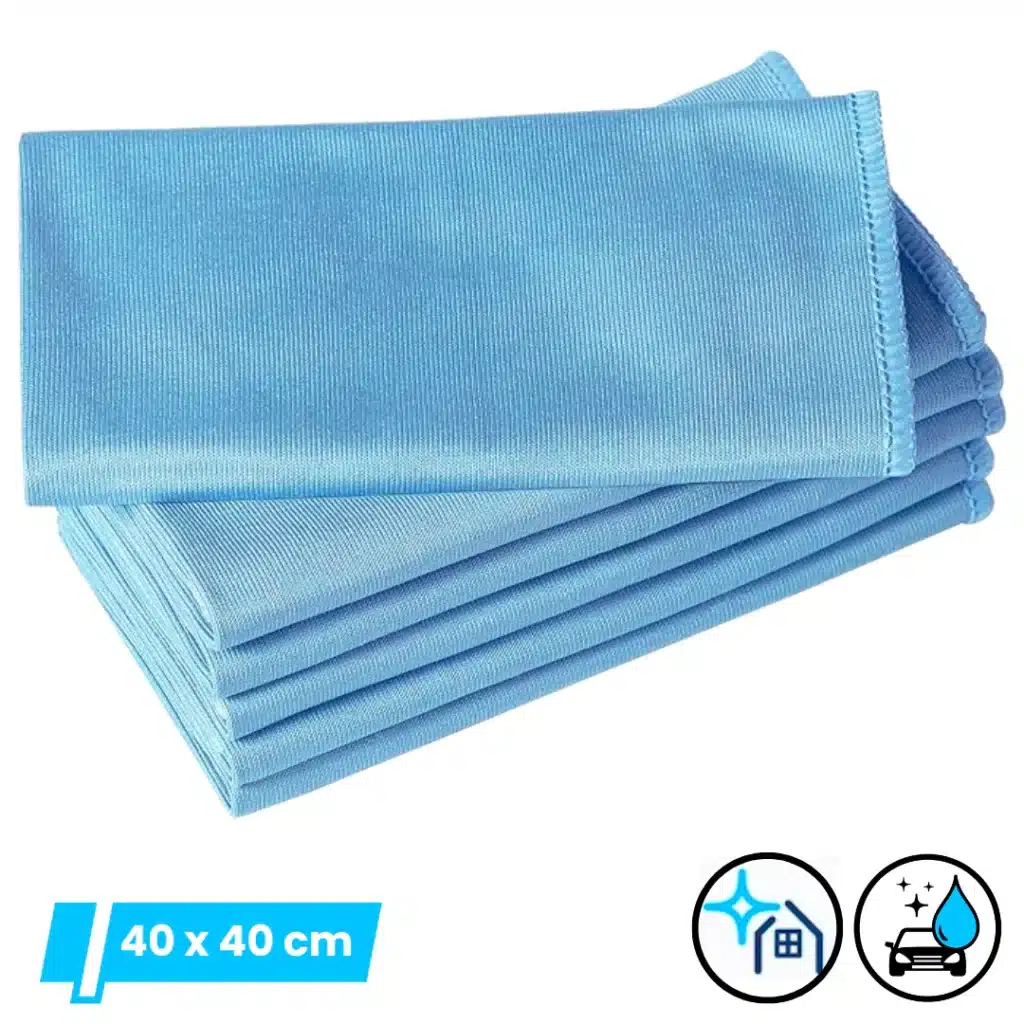
Original price was: ₹1,380.00.₹549.00Current price is: ₹549.00.Glass Cleaning Cloth -Streak-Free Glass Cleaning Microfiber Cloth (6 Pack) Blue
Original price was: ₹1,689.00.₹499.00Current price is: ₹499.00.Glass Cleaning Cloths 3-Pack (Blue, 40x40cm) – Streak-Free Lint-Free Microfiber Wipes for Windows, Mirrors, Chrome & Stainless Steel Appliances
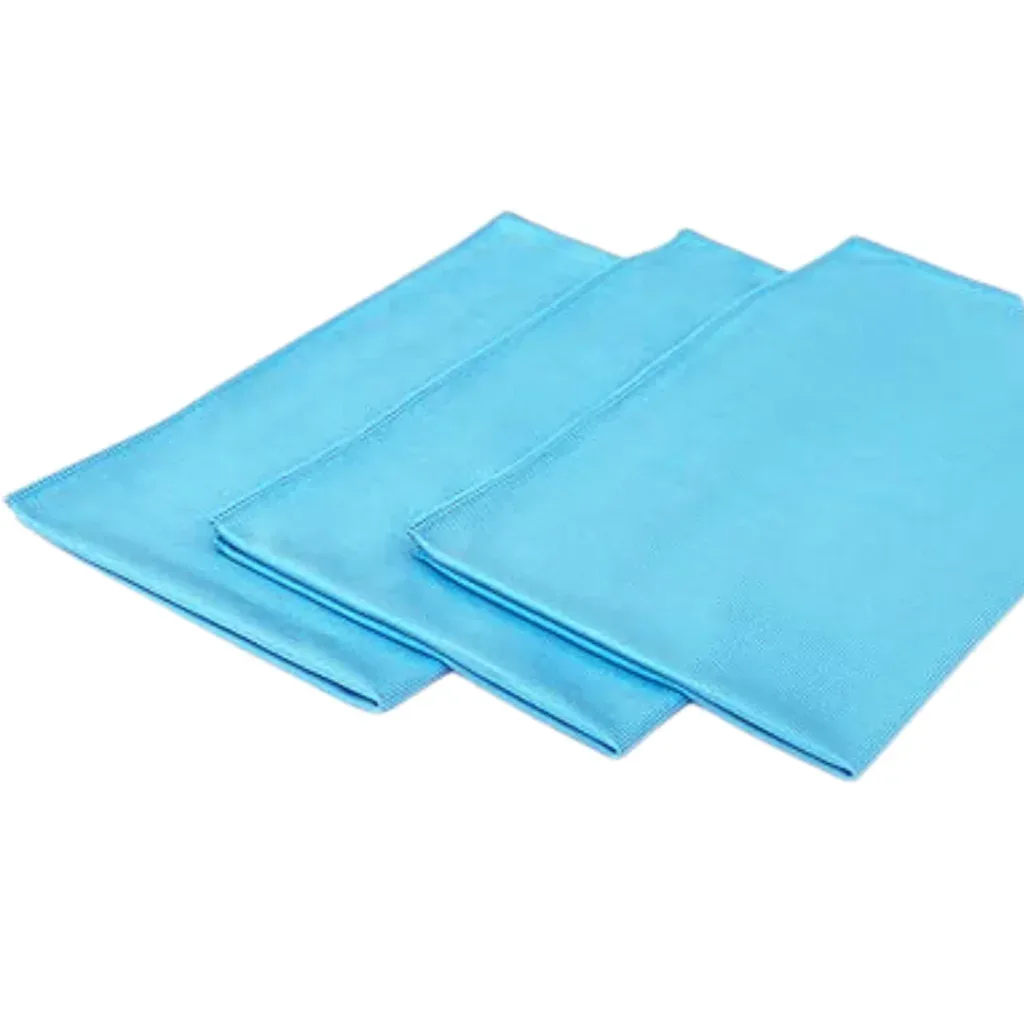
Original price was: ₹896.00.₹299.00Current price is: ₹299.00.Glass Cleaning Cloths 3-Pack | Lint-Free, Streak-Free Microfiber Glass Cloths for Windows, Mirrors, Chrome, Kitchen, Car, Home & Office
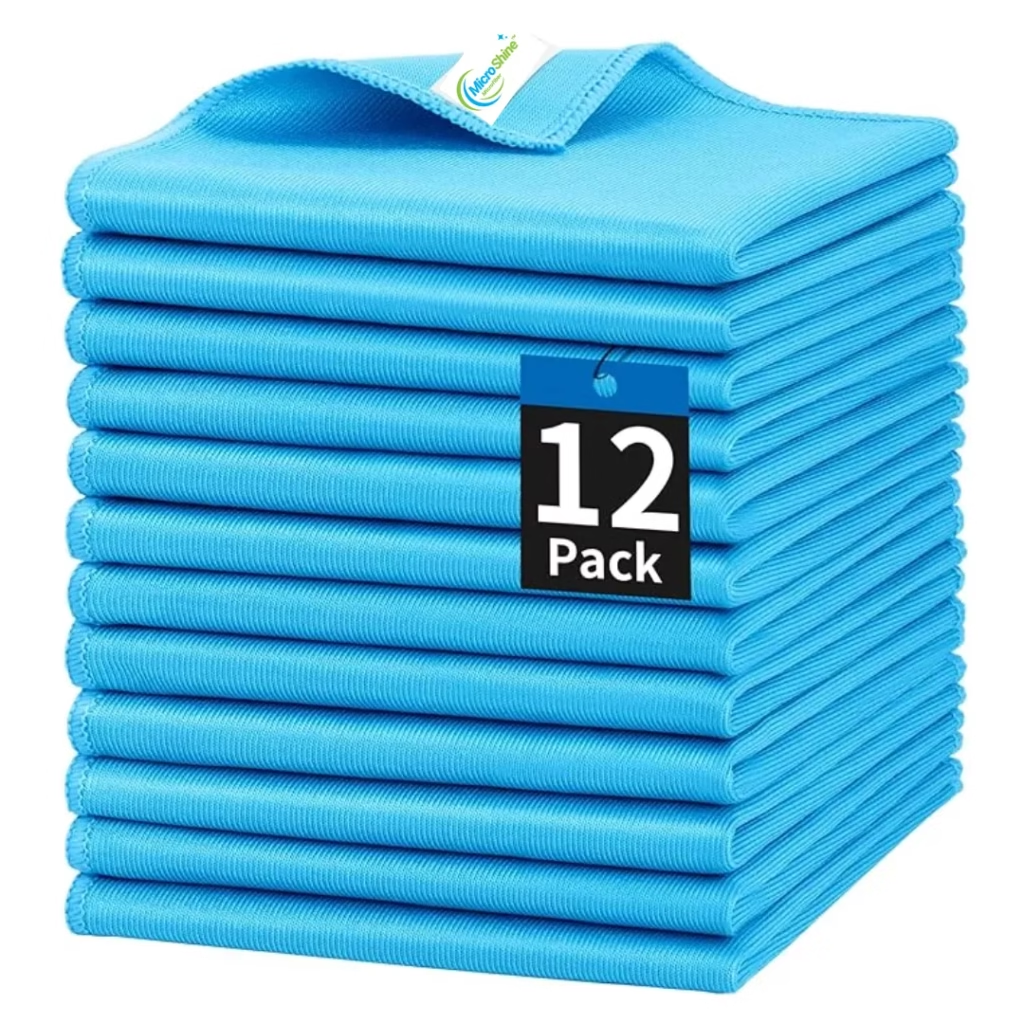
Original price was: ₹980.00.₹269.00Current price is: ₹269.00.Glass Cloths Pack of 12 | 310 GSM Streak-Free Microfiber For Glass
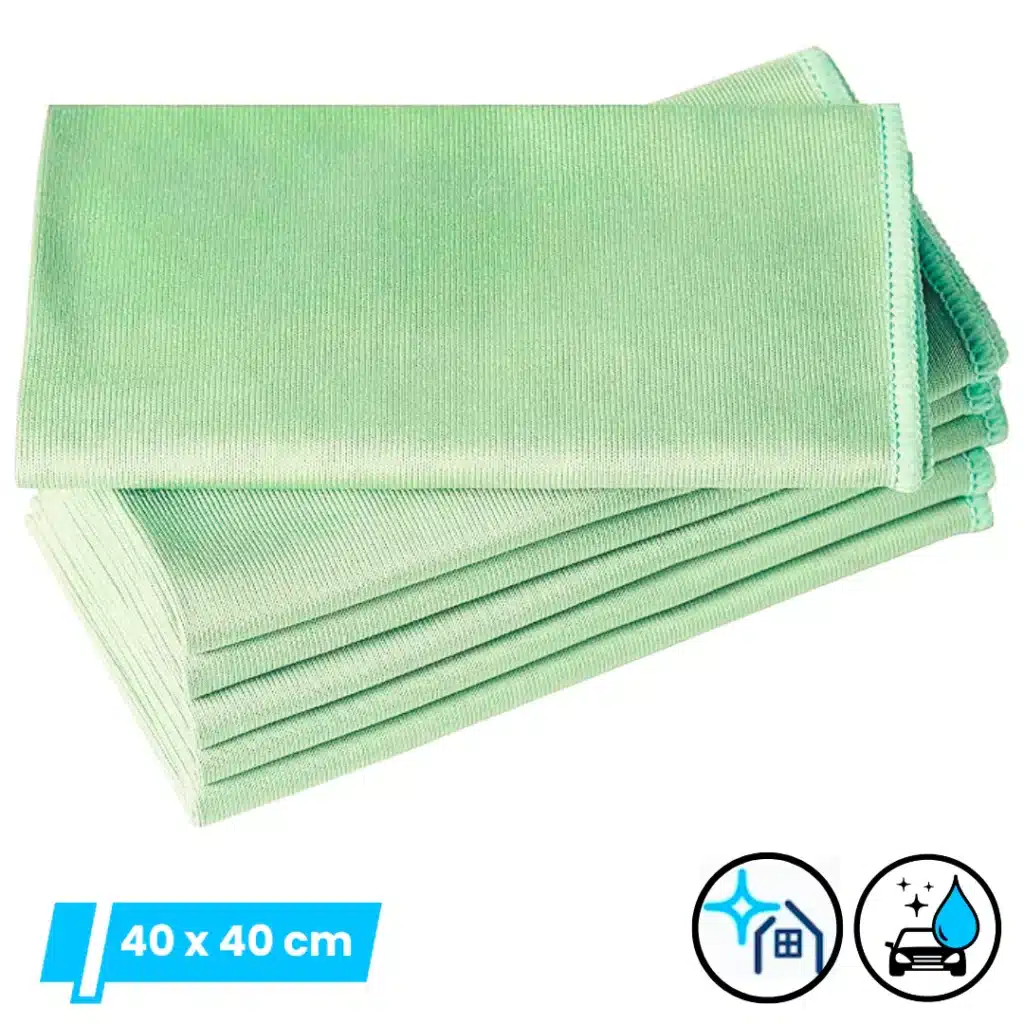
Original price was: ₹2,788.00.₹599.00Current price is: ₹599.00.Microfiber Glass Cleaning Cloths – Pack of 6, Green, | Streak-Free, Lint-Free, & Eco-Friendly Cleaning
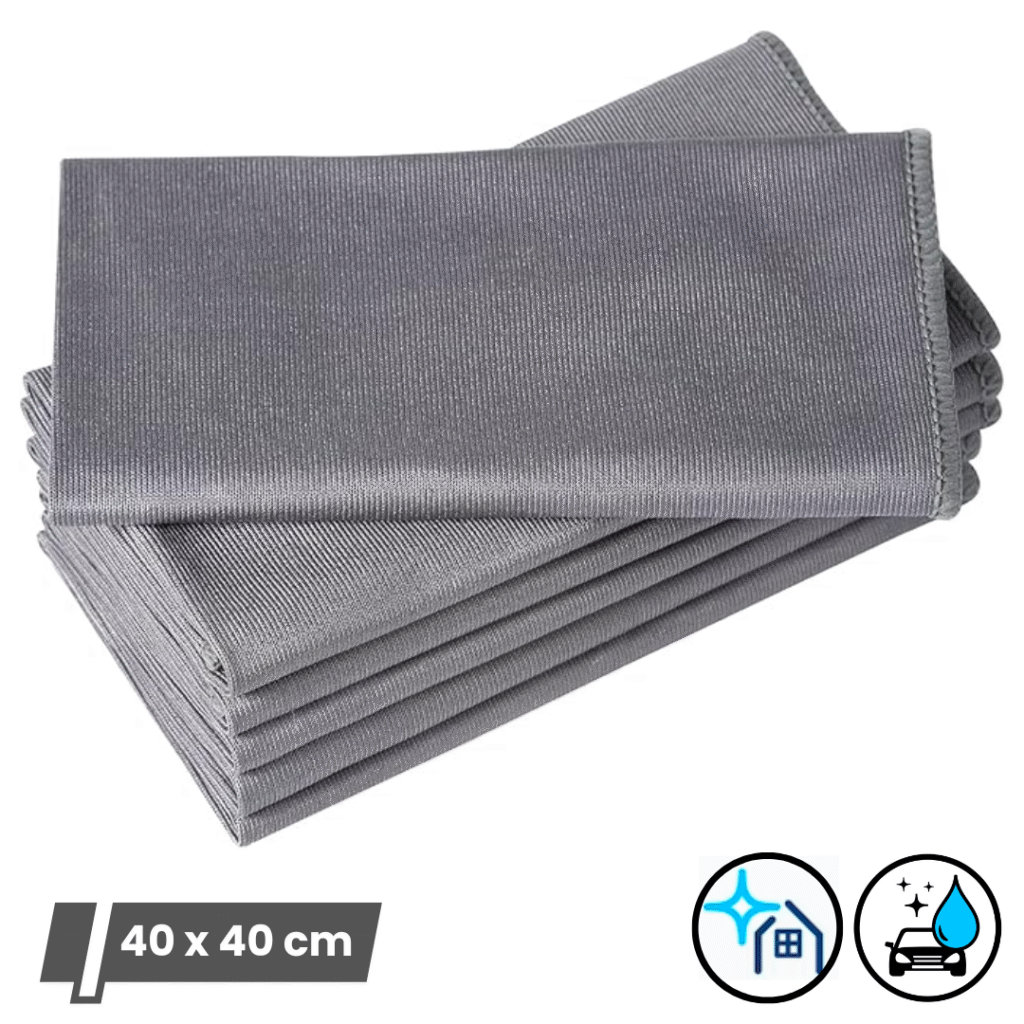
Original price was: ₹1,699.00.₹499.00Current price is: ₹499.00.Microfiber Glass Towel For Cleaning Glass, Windows, & Mirrors (Pack of 6, Grey, 40x40cm)
Original price was: ₹1,699.00.₹499.00Current price is: ₹499.00.Microshine 310 GSM Barb Weave Microfiber Glass Cleaning Cloths (Pack of 2)
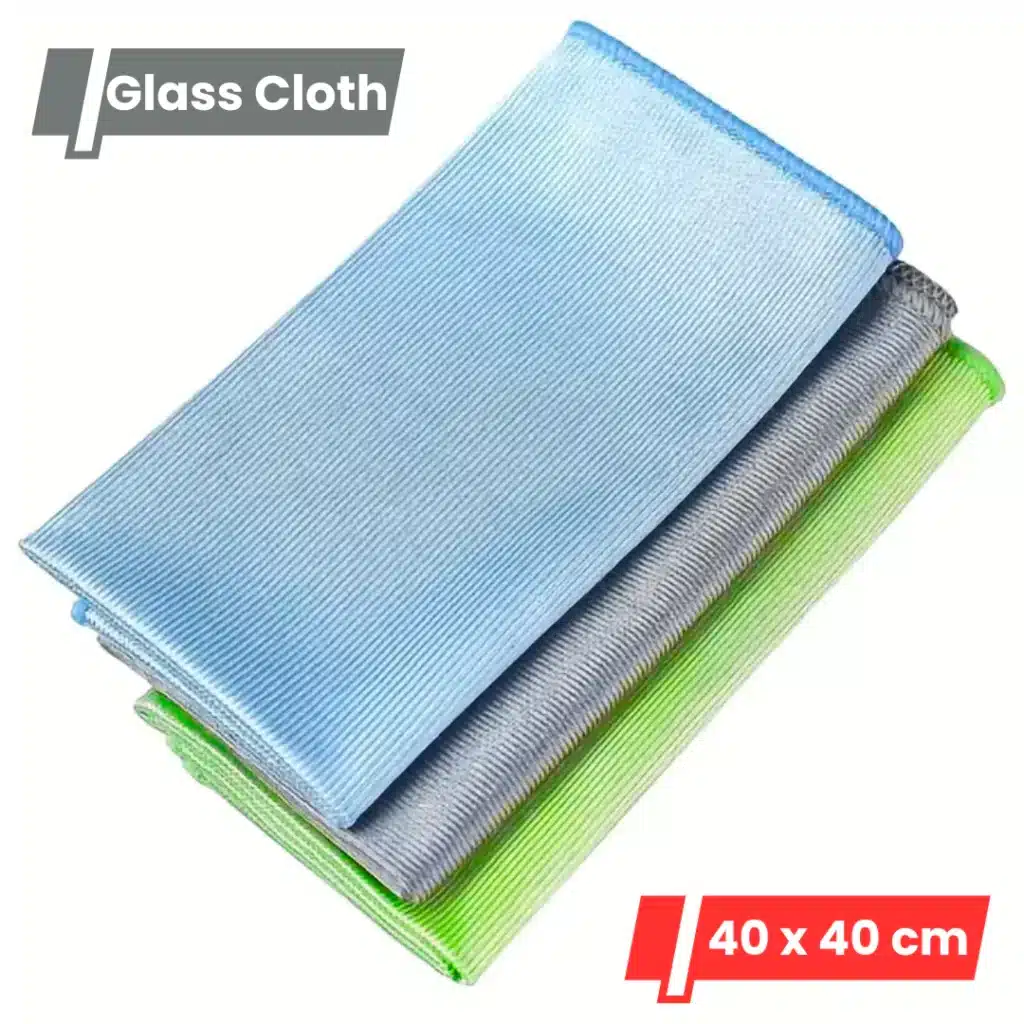
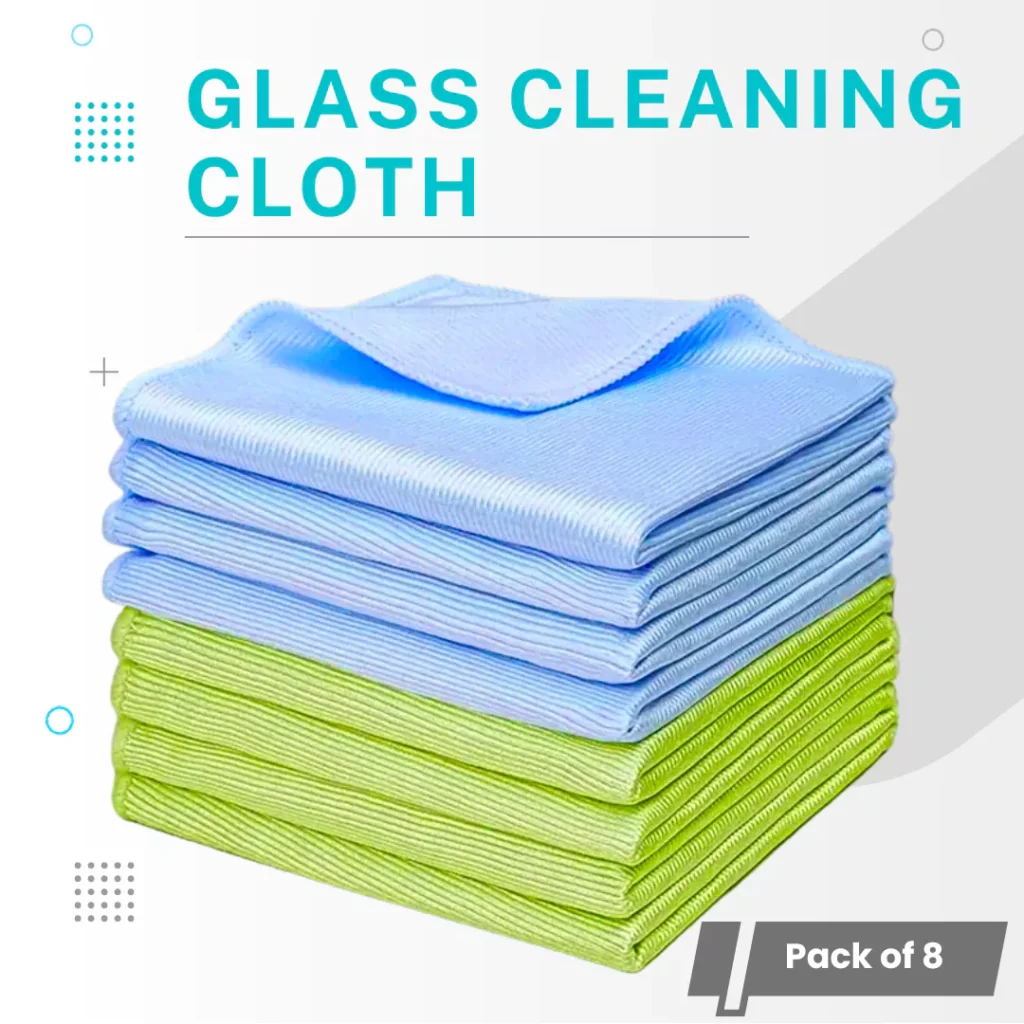
Original price was: ₹480.00.₹207.00Current price is: ₹207.00.Microshine Microfiber Glass Cleaning Cloth, 300 GSM, 40x40cm – Pack of 8 (Green & Blue)
Original price was: ₹1,660.00.₹589.00Current price is: ₹589.00.